Documentation Index

Fetch the complete documentation index at: https://www.vozo.ai/docs/llms.txt

Use this file to discover all available pages before exploring further.

Translatedubtranslatedtext Pn
1

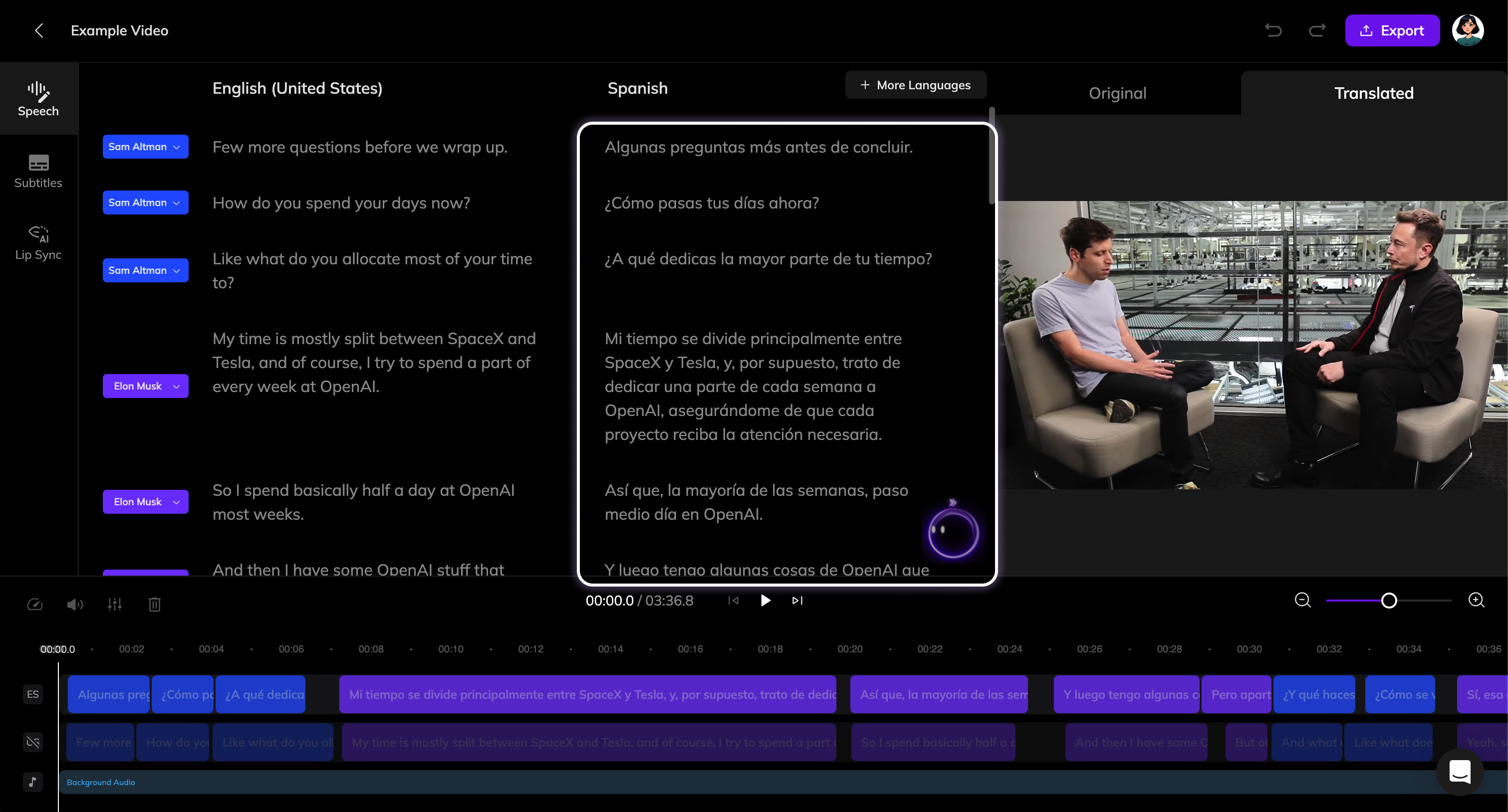
Select the translation to edit

Click on the translated text to activate editing.
2

Modify the text

Make your changes to the text.
3

Update the dubbing

Once the text is modified, the Generate Speech button will appear. Click it to generate a new dubbing for the segment.
If you have multiple translations to adjust, you can complete all edits first and then click the Generate Speech button at the top of the Speech section to batch update the dubbing for all modified segments.