

1
Open the Change Voice dialog
Click any segment spoken by the target speaker, then click the Change Voice button in the toolbar that appears.
2
Select Reclone
Choose Reclone the Voice, then select the lines that best match the tone you’re aiming for.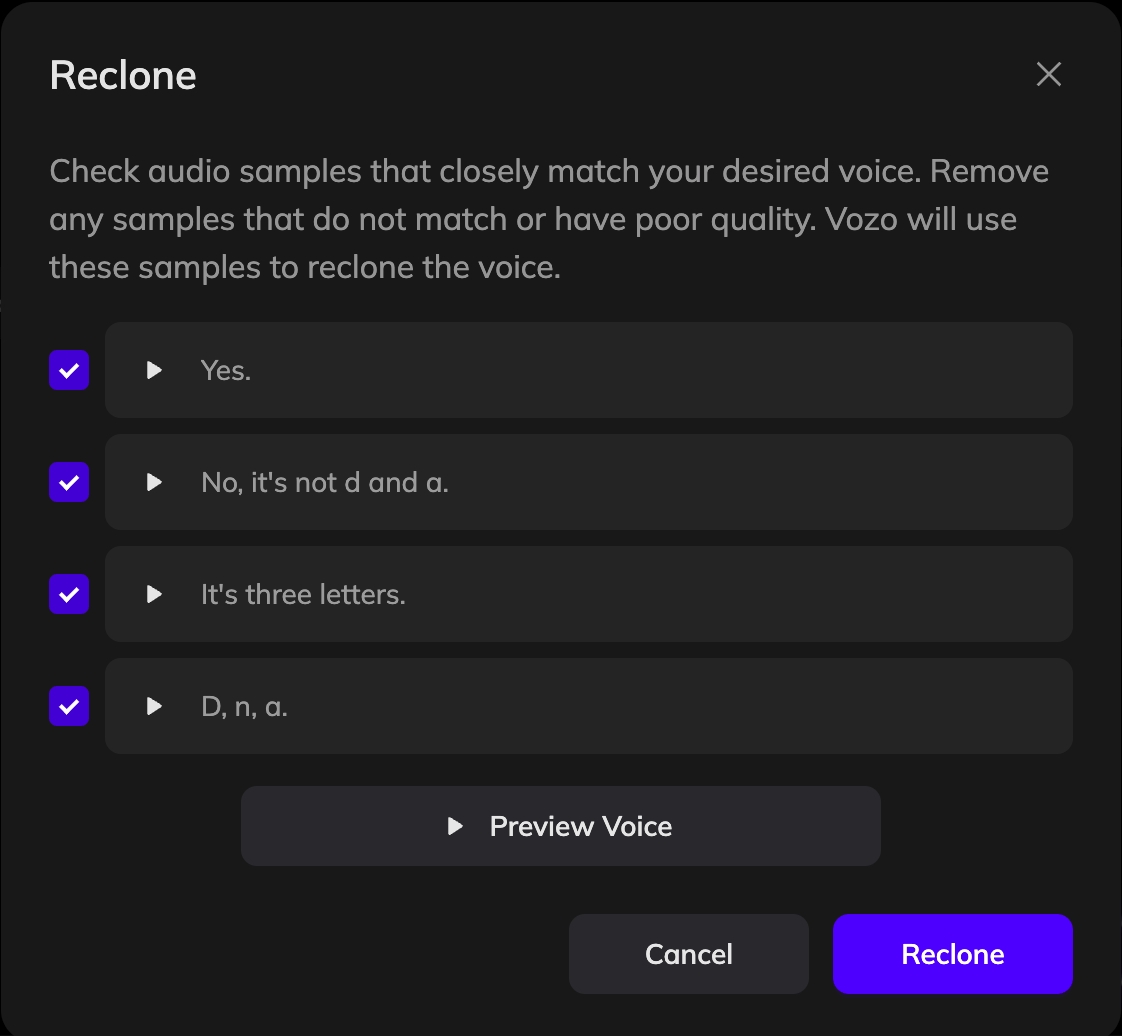
3
Apply the New Voice
Choose Reclone the Voice, then select the lines that best match the tone you’re aiming for. You can click the Preview Voice button to listen to the new voice before applying it.
4
Generate Speech
Click Generate Speech to update the voice in your video.