1
Select the audio clip
Locate the timeline at the bottom of the page, then click on the translated audio clip you want to adjust.
2
Adjust speed, volume, or pitch
Click the Speed/Volume/Pitch button at the top-left of the timeline.
In the popover, adjust the settings as needed.
In the popover, adjust the settings as needed.
3
Close the popover
Once you close the popover, the changes will take effect automatically.
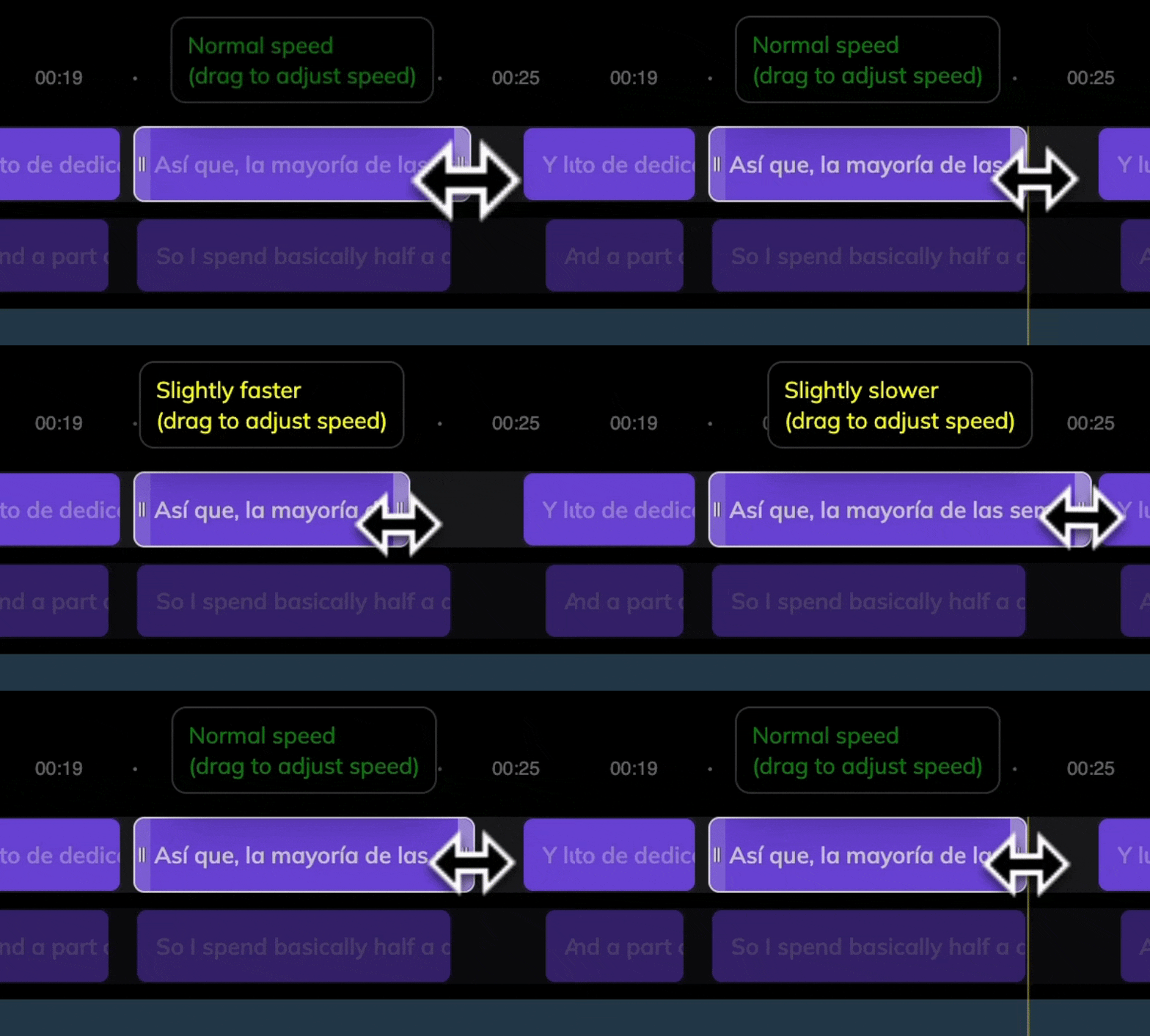
You can also stretch or shrink the audio clip directly in the timeline to adjust its speed.